MyNetwork
These tools have not been in active development for quite some time, but they remain available for as long as they function, and for anyone who wants to play with them.
Current version: 2.1
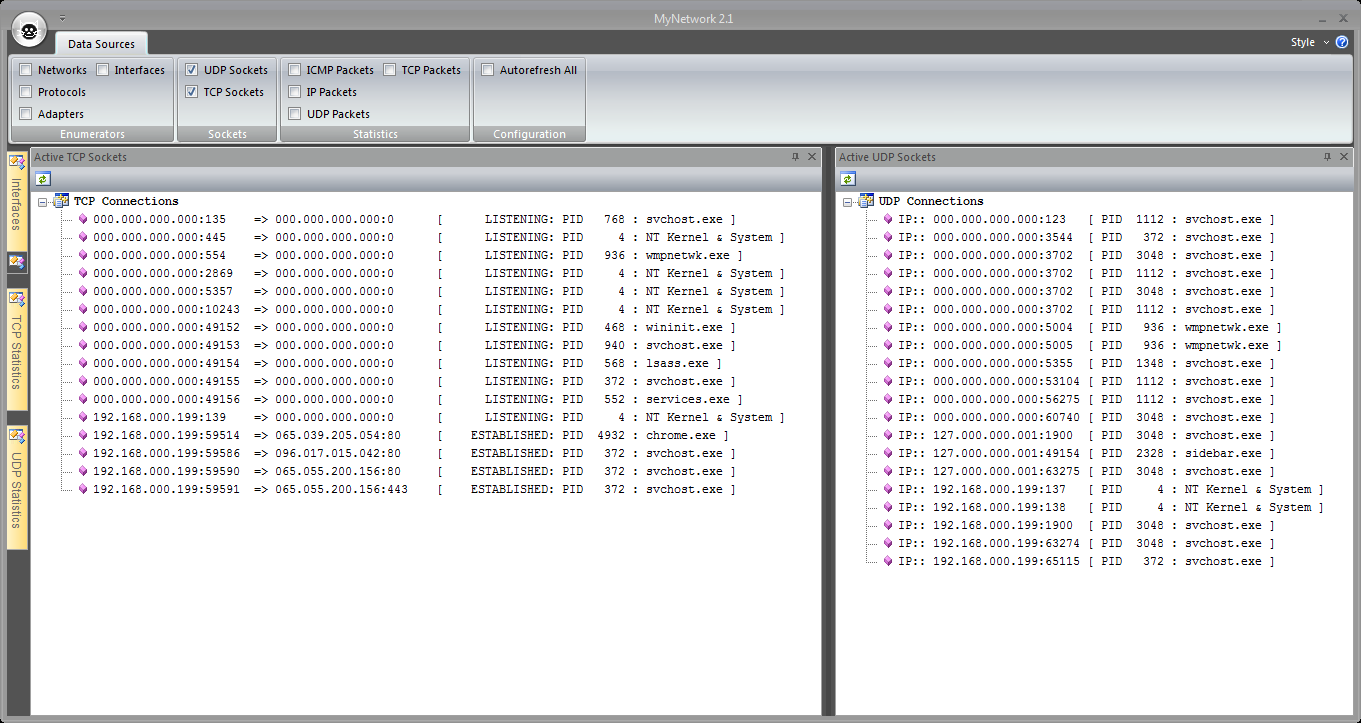
Changes from 2.0: the TCP and UDP connections lists now include the listening program and process ID. Additionally, if you run the program with Administrator (right-click->Run As Administrator) then the system file names will also be enumerated. I added the 64-bit version because it is the best way to get the executable file names on a 64-bit system.
This tool provides a serious fire hose of data for you to digest but the UI was not as usable as I would have liked. I started it years ago while exploring various Windows APIs providing network-related information. Basically, it was a research project. The tool interface was my quick-and-dirty approach to displaying those data.
Well, MyNetwork was complaining loudly, telling me it felt neglected. In order to stop it's whining I've given it a facelift to a more modern UI via MFC version 9.0 (which comes with Visual Studio 2008).
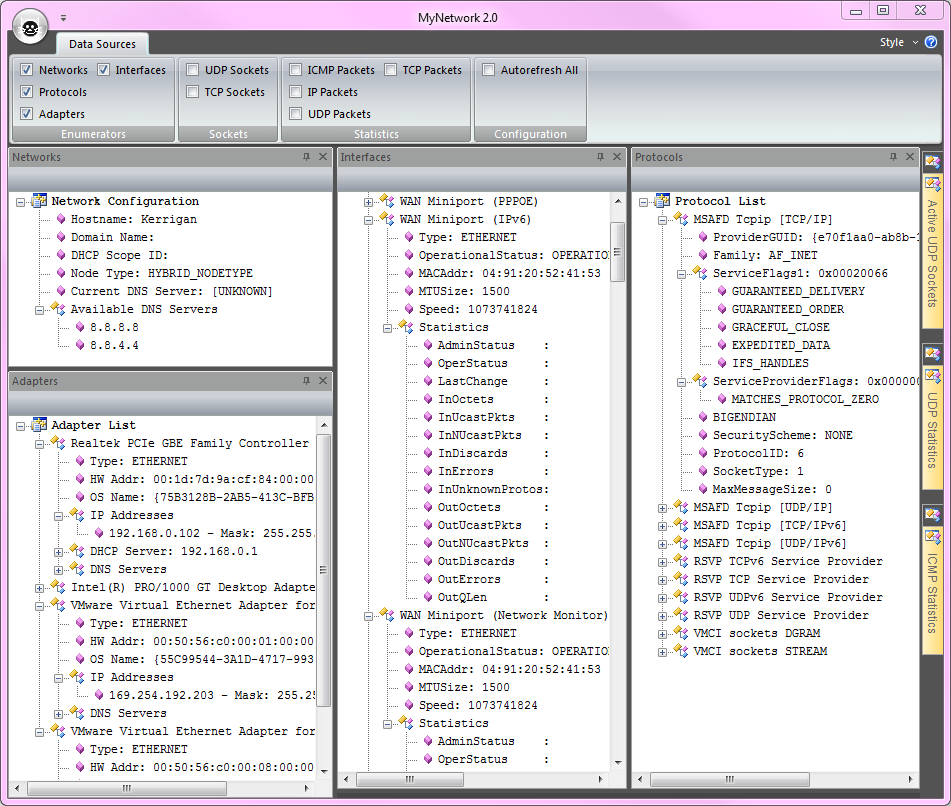
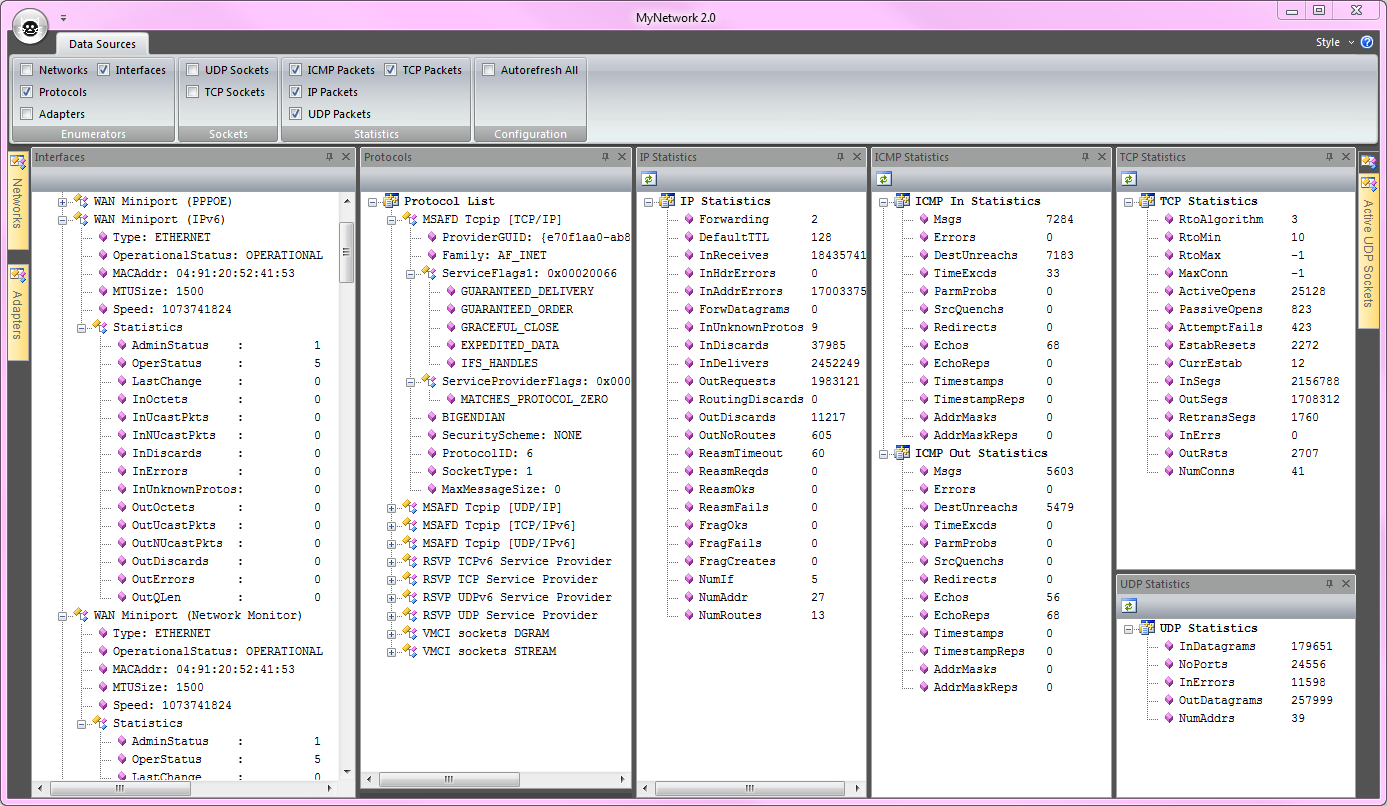
What a difference three MFC versions can make; now it looks like your Outlook client. :) Everything is in user-movable dockable panes. Windows with dynamic data are individually refreshable with the obvious button. You can also configure autorefresh for all dynamic-data windows using a ribbon bar toggle.
I18N/L10N
This program is Unicode-clean, so I can localize all the strings if that becomes desirable. (Just need to migrate some strings to an external container.)
64-Bit/32-Bit
The zip file contains both 32-bit and 64-bit versions. :)
Future Modifications
- The dynamic data should really be in a list control, not a tree control. I went with the tree control for now because (i) that was what it used to be, and (ii) it was the fastest path to complete the facelift. :) Stay tuned for a conversion of those dockable panes to a CListCtrl based display.
- I have disabled the maximize-window button because my tests on Windows Vista showed that it screwed up (permanently) the windows sizing and layout (storage in registry) between program runs. Windows XP and Windows 7 both work fine. Until I find a fix/workaround, I've disabled the maximize-window button.
The Package
Here is the zip archive containing the program with MD5 hash and PGP signature.
Screen Shots